

Tutorial
Why JSON is better than copying from a PDF
An electronic invoice PDF is useful for reading, printing or visual review. But when the goal is to prepare IVA books, DTE JSON contains the structured information a tool can interpret: document type, issuer, recipient, date, amounts, IVA and codes.
When working with dozens or hundreds of documents, manually moving from PDF to Excel creates three risks: data-entry mistakes, duplicates and incorrect classification. JSON reduces these risks by enabling the initial reading to be automated.
Correct classification before export
The critical step is not just reading files. It is deciding which book each DTE belongs in. A type 01 invoice goes to final-consumer sales. A type 03 CCF is handled differently depending on the business’s role. A type 07 withholding voucher must go through the IVA withholding workflow.
This is why AIBEX does not use one generic importer for everything. The user selects a book, and the system validates permitted types, the period and duplicates before building the grid.
Recommended workflow
For an organized process, work by business and month. First gather the JSON files; then separate purchases, final-consumer sales, taxpayer sales and withholding; next validate rejections and duplicates; finally export or review before closing.
- One business at a time.
- One tax period at a time.
- One book type at a time.
- Check duplicates before using your allowance.
- Export after validating totals.
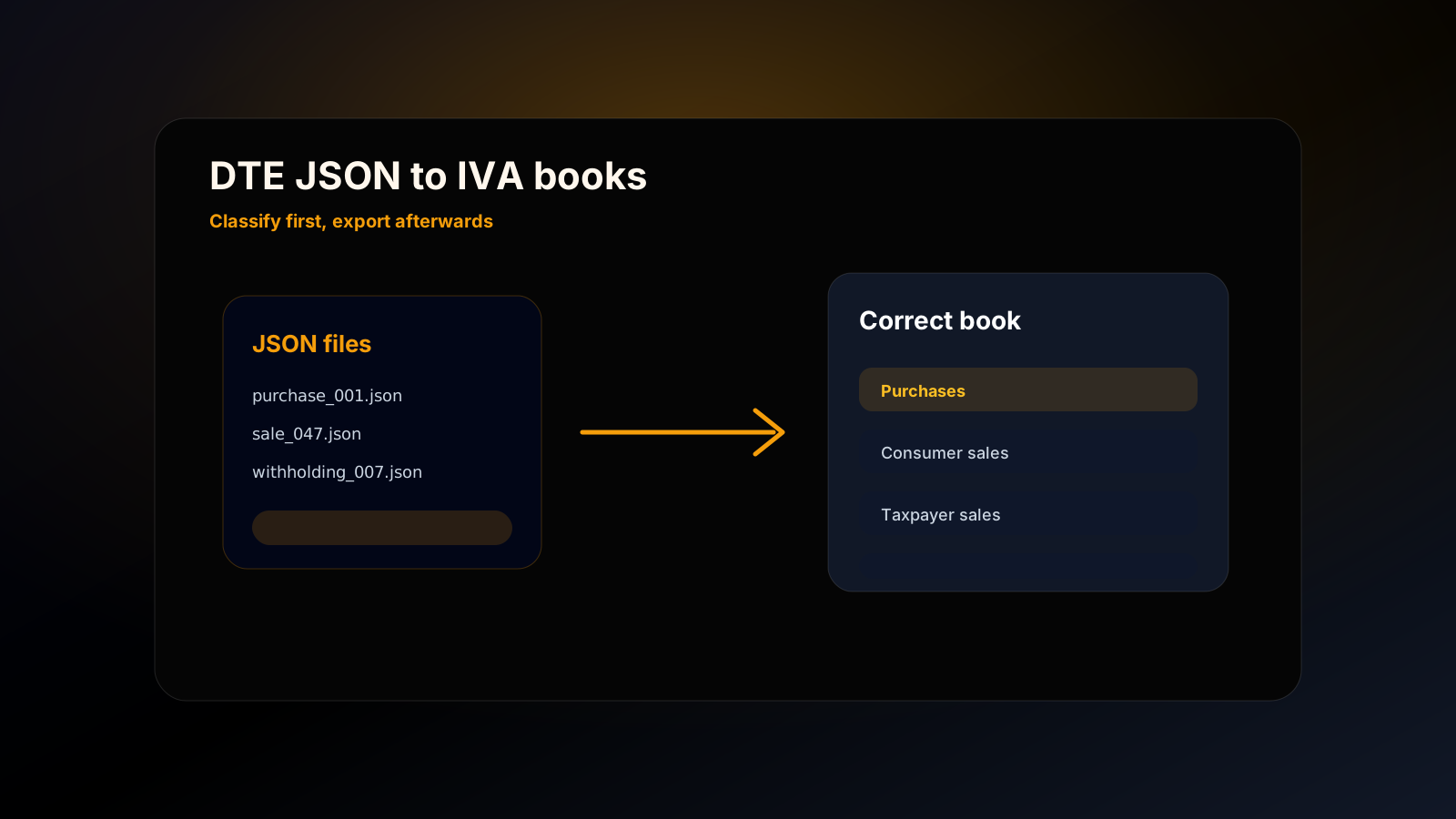
Visual tutorial: from JSON to a book in AIBEX
The AIBEX screen is designed to make the main action clear: choose a book, drop in files and review.
1. Choose the book
The top buttons separate Purchases Book, Final-Consumer Sales and Taxpayer Sales.
2. Drag in your JSON files
The processing area receives the files and directs them to the correct processor.
3. Review the output
The final table lets you validate rows before closing the work.
Frequently asked questions
Where do I get DTE JSON files?
They usually arrive by email, can be downloaded from invoicing systems or can be received from suppliers. The source depends on each business’s workflow.
Does AIBEX accept every DTE in every book?
No. AIBEX filters by book type to avoid mixing purchases, final-consumer sales, taxpayer sales and withholdings.
What happens if I upload a duplicate document?
The AIBEX workflow is designed to detect duplicates by business, book type and generation code.
Sources consulted
This guide is educational and does not replace current regulations. For tax decisions, review your specific situation with the responsible person or a tax adviser.
Official electronic invoicing portal
Public Ministerio de Hacienda portal on DTE and electronic invoicing (in Spanish).
DTE regulations
Official compilation of regulations applicable to electronic tax documents (in Spanish).
DTE technical and functional information
Guides, manuals and technical documents for DTE implementation (in Spanish).
F-07 Annexes Manual v14
Official tax annex manual used as a reference for the F-07 structure (in Spanish).
Keep reading
AIBEX Guides
Purchases IVA book
A practical guide to the purchases IVA book, input tax credit, DTE JSON and the monthly workflow used by individuals and businesses in El Salvador.
OpenAIBEX Guides
Sales to registered taxpayers
A practical explanation of how to record Comprobantes de Crédito Fiscal, credit notes and debit notes for sales to registered taxpayers.
OpenAIBEX Guides
Final-consumer sales
A guide to the final-consumer sales book, which DTE belong in it and how to avoid mixing invoices with CCF.
Open